Work Order
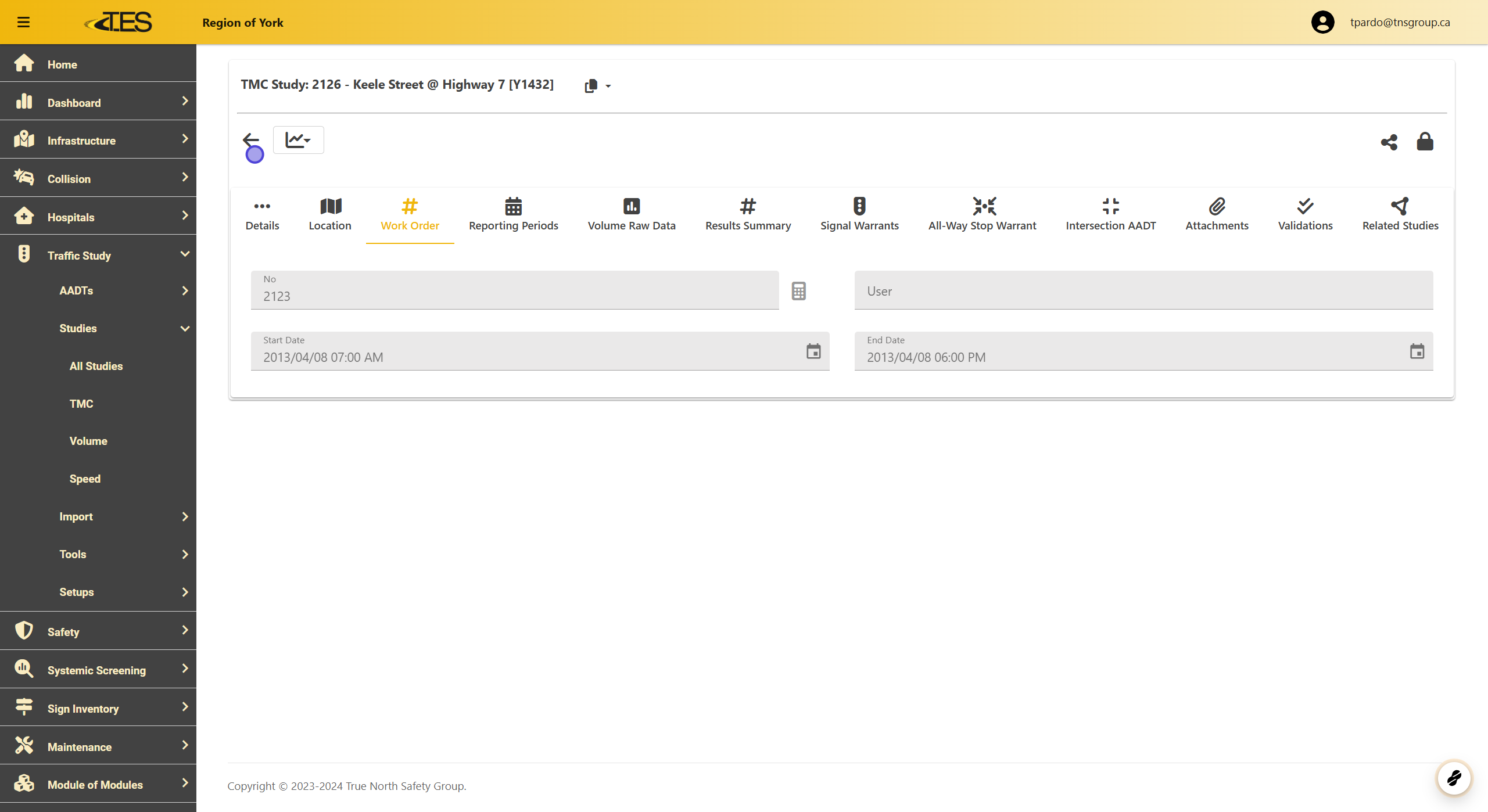
This documentation shows how to create a TMC Work Order in TES Cloud.
1. Access Work Order Tab
-
Navigate to the Work Order tab within the selected TMC study.
-
This tab displays the work order number and the start and end dates for the study.
-
Note: A work order can be assigned either while importing a study or before the study is conducted. This is helpful for creating a work order in advance.
2. To Create a Work Order in Advanced
Click the + TMC button located in the TMC data grid.

3. Add Work Order Details
After clicking the + TMC button:
-
Enter the Work Order Number .
-
Input the Start Date and End Date of the work order.
-
Once all the required fields are complete, click the Save button to finalize.
