Sorting Data
This documentation shows how to sort data on the data grid.
1. Access Data Grid
Open the Data Grid section in TES where your data is displayed.
2. Sort by a Column
-
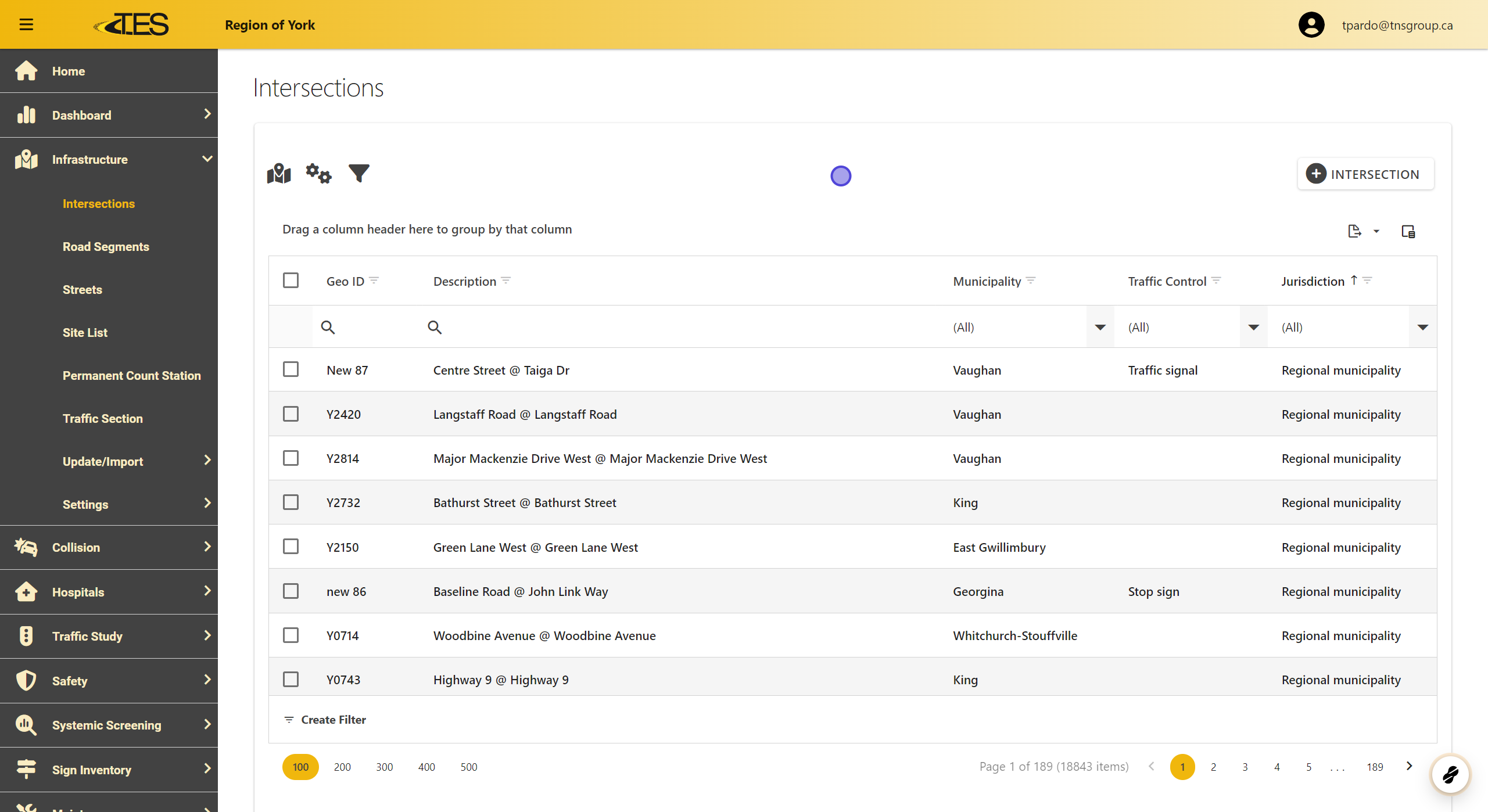
Click on the column header for the column you want to sort by.
-
The data will be sorted in descending order by default.
-
Ascending Order : Indicated by an upward arrow.
-
Descending Order : Indicated by a downward arrow.
-

3. Toggle Sorting Order
To switch the sorting order (from ascending to descending or vice versa), click the column header again.

4. Change Sorting to a Different Column
-
Click on another column header to sort the data by a new column.
-
Sorting by a new column will cancel any previous sorting.

5. Right Click for Sorting Options
Right-click the column header to access sorting options:
-
Sort Ascending : Arranges the data in ascending order.
-
Sort Descending : Arranges the data in descending order.
-
Clear Sorting : Removes all sorting for the selected column.
