View Location on Map
This documentation shows how to view the details of a location from the map.
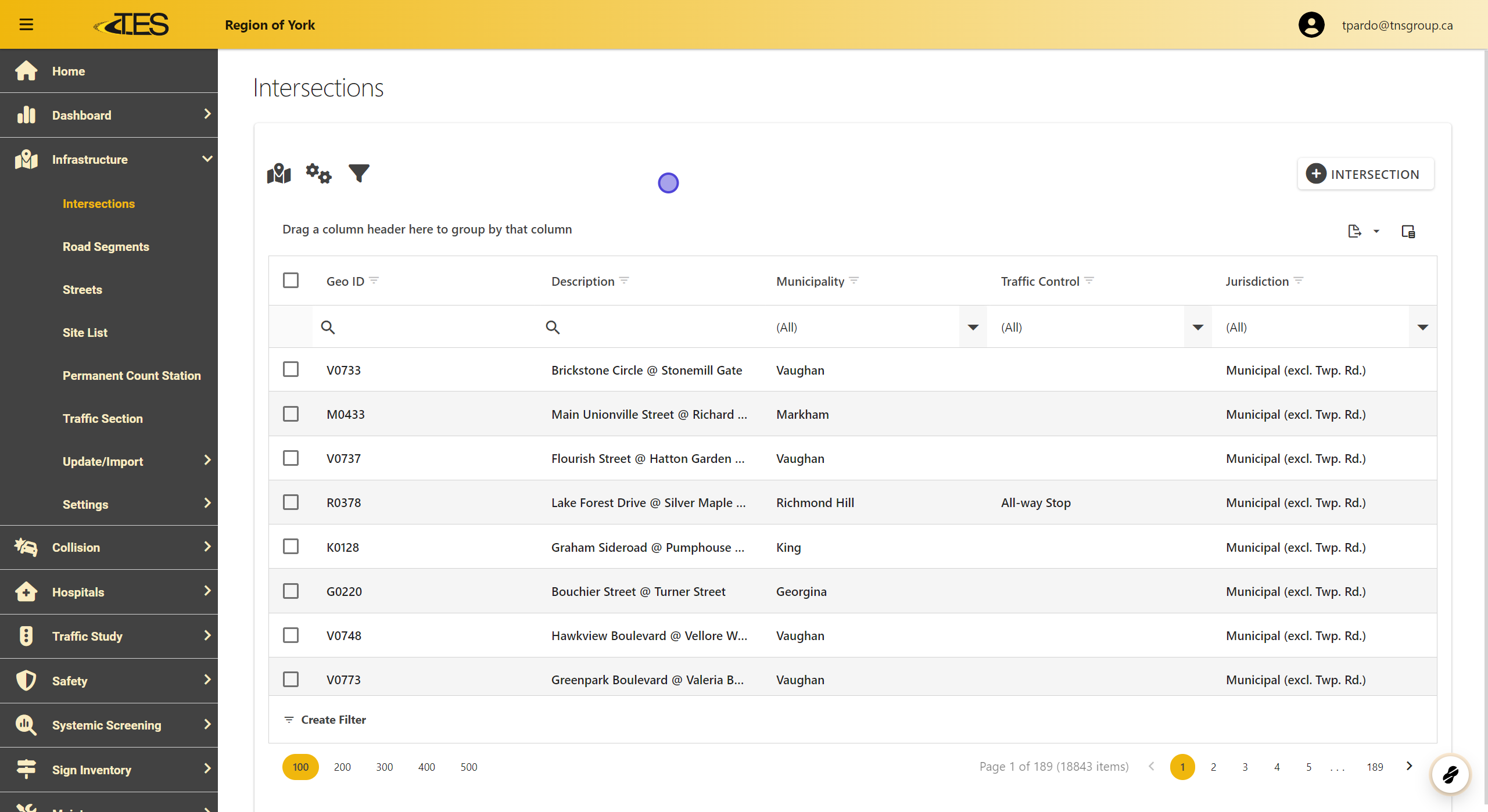
1. Access Intersections
-
Navigate to the Infrastructure section on the left-hand menu.
-
Open the Intersections module to access the list of available locations.
2. Map Tool
-
Locate the Map Tool icon at the top left of the interface.
-
Click on it to open the map view.

3. View Location

4. Location Details
-
Hover over the selected location marker on the map.
-
Click Show Intersection Details.
-
You will be redirected to the detailed view of the selected intersection.
